When a new user has been setup, we will always send you a temporary password. However, we ask that you always change your password ASAP.
Please follow these instructions on how to update your password.
- Select your profile avatar/name in the top left corner.
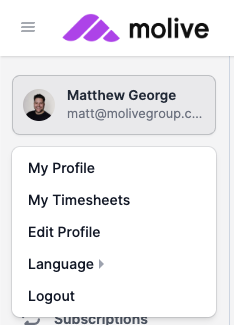
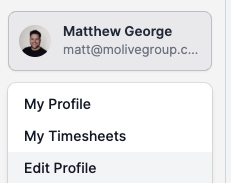
- Select the "Edit Profile" option.
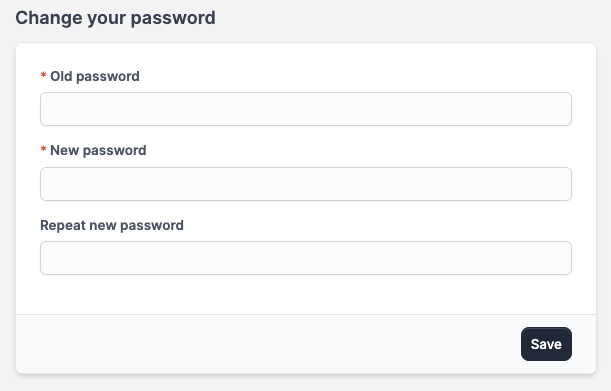
- This will take you to your profile where you can edit details. In the "Change your password" section, update all the relevant details and 'Save'.
- Next time you login, you will now use these new details.